
Aptabase
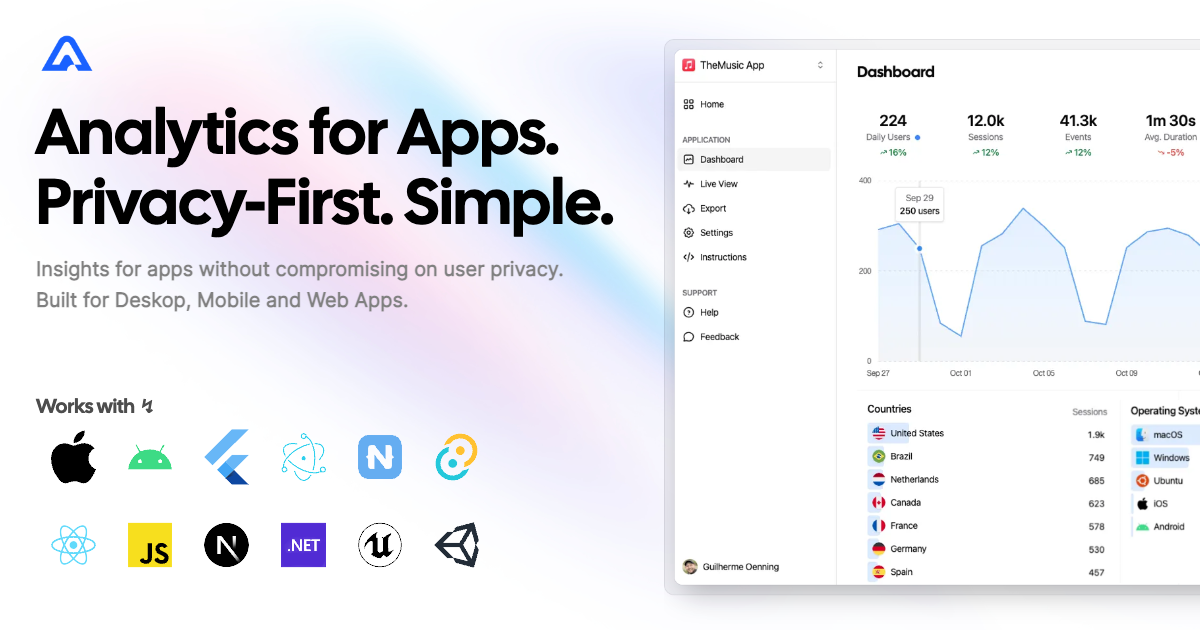
Instrument your NativeScript apps with Aptabase, an Open Source, Privacy-First and Simple Analytics for Mobile, Desktop and Web Apps.
Installation
npm install @nstudio/nativescript-aptabaseiOS Configuration
Configure your nativescript.config.ts to use the Swift Package:
ios: {
  SPMPackages: [
    {
      name: 'Aptabase',
      libs: ['Aptabase'],
      repositoryURL: 'https://github.com/aptabase/aptabase-swift.git',
      version: '0.3.6'
    }
  ]
}
Usage
Initialize
Get your App Key from Aptabase (found in the Instructions menu). Initialize as early as possible in your app lifecycle:
import { Aptabase } from '@nstudio/nativescript-aptabase';

Aptabase.initialize('<YOUR_APP_KEY>');
Track Events
import { Aptabase } from '@nstudio/nativescript-aptabase';

// Track a simple event
Aptabase.track("connect_click");

// Track with custom properties
Aptabase.track("play_music", {
  name: "Here comes the sun"
});
Important Notes
Automatic Enhancement: The SDK automatically enhances events with useful information like OS, app version, and more.
Manual Tracking: The SDK does not automatically track any events. You need to call
trackmanually. It's recommended to at least track an event at startup.Non-blocking: You don't need to await the
trackfunction - it runs in the background.Property Types: Only strings and numbers are allowed as custom property values.
API Reference
Aptabase.initialize(appKey: string)
Initialize the SDK with your Aptabase App Key. Call this as early as possible.
Aptabase.track(eventName: string, properties?: object)
Track an event with optional custom properties.
| Parameter | Type | Description |
|---|---|---|
eventName | string | Name of the event to track |
properties | object | Optional key-value pairs (strings and numbers only) |
Privacy
Aptabase is built with privacy in mind:
- No personal data collection
- No cookies
- GDPR compliant
- Open source
License
Apache License Version 2.0